Design your own earring or charm
Pick a fringe or charm pattern, then paint bead by bead.
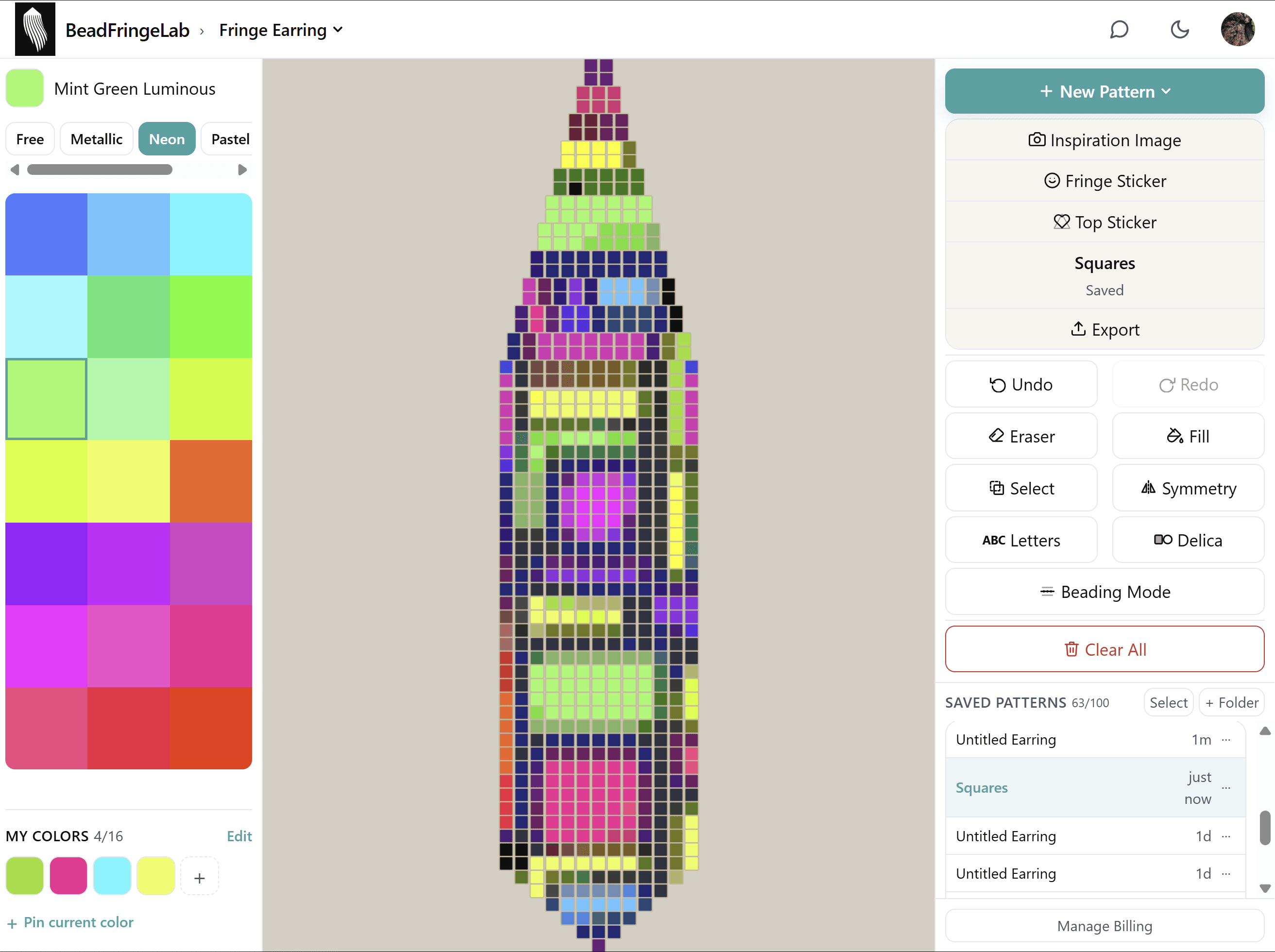
Pick a shape, color it bead by bead, and download a pattern with a color key and exact bead counts.
Free to start — no login required. Free includes painting, fill, copy and paste, autosave on this device, and watermarked 1× PNG downloads.
Fringe patterns, bead palettes, inspiration images, symmetry and saved designs.
Pick a fringe or charm pattern, then paint bead by bead.
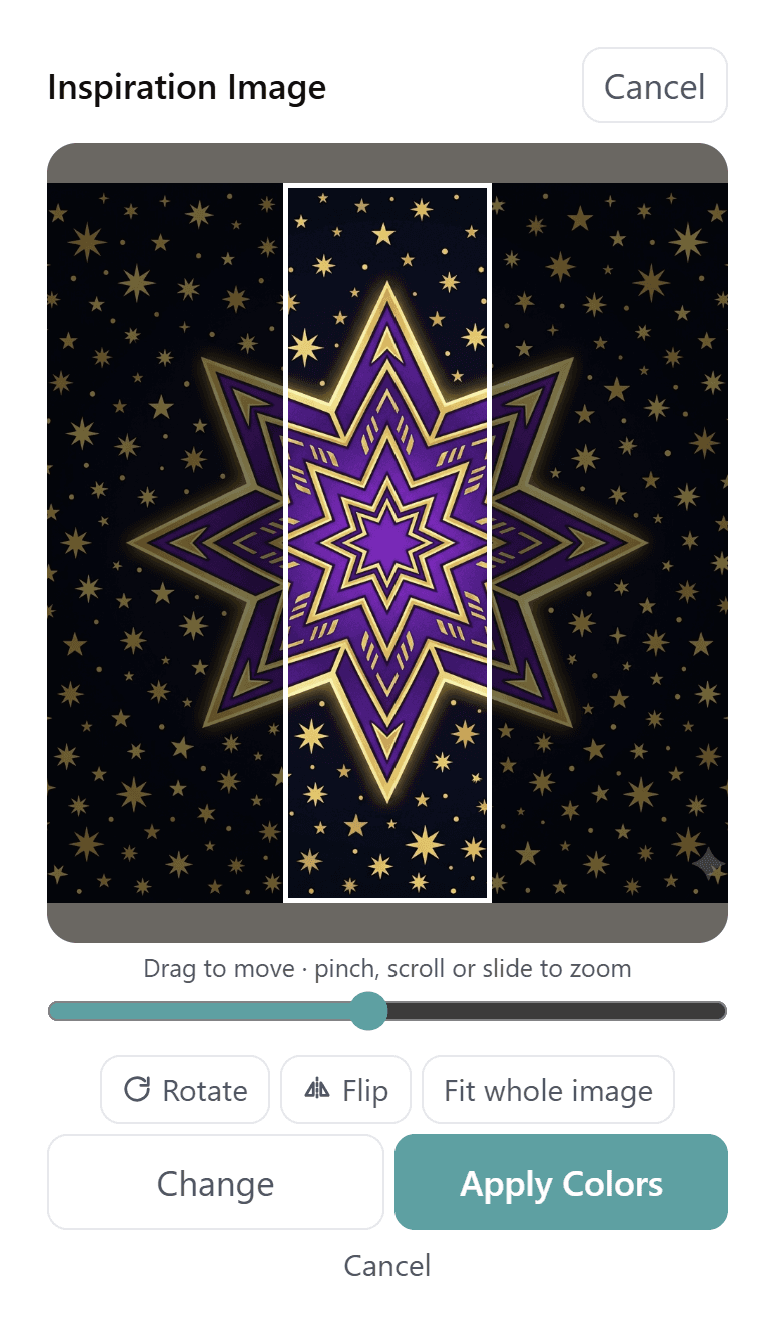
Drop in a photo, size it over your pattern and pull its colors straight onto the grid.
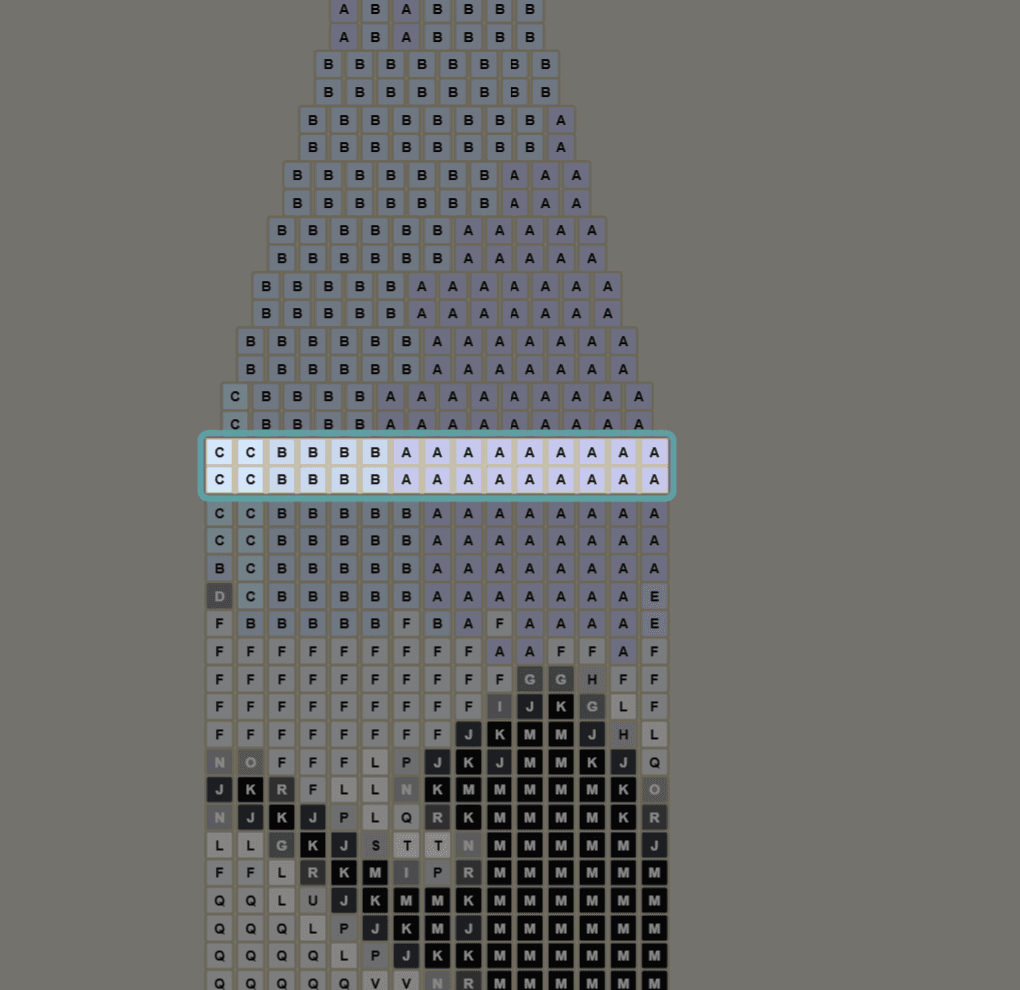
Bead from the screen. The current row or column stays highlighted and you step through row by row, or strand by strand. On earrings, Guide walks you through every stitch.
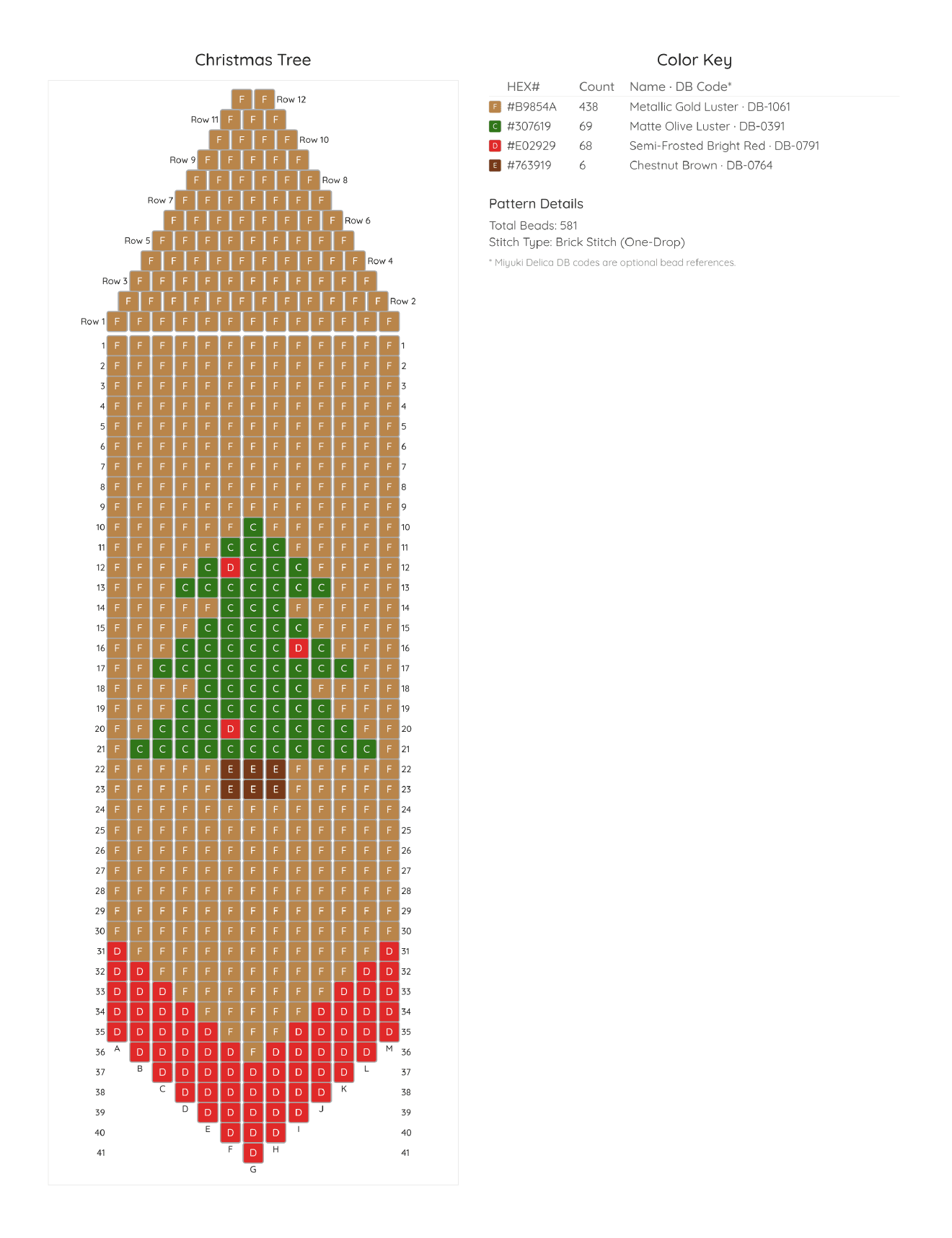
Export a print-ready PNG or PDF chart with a full color key. Pro includes a full PDF word chart.
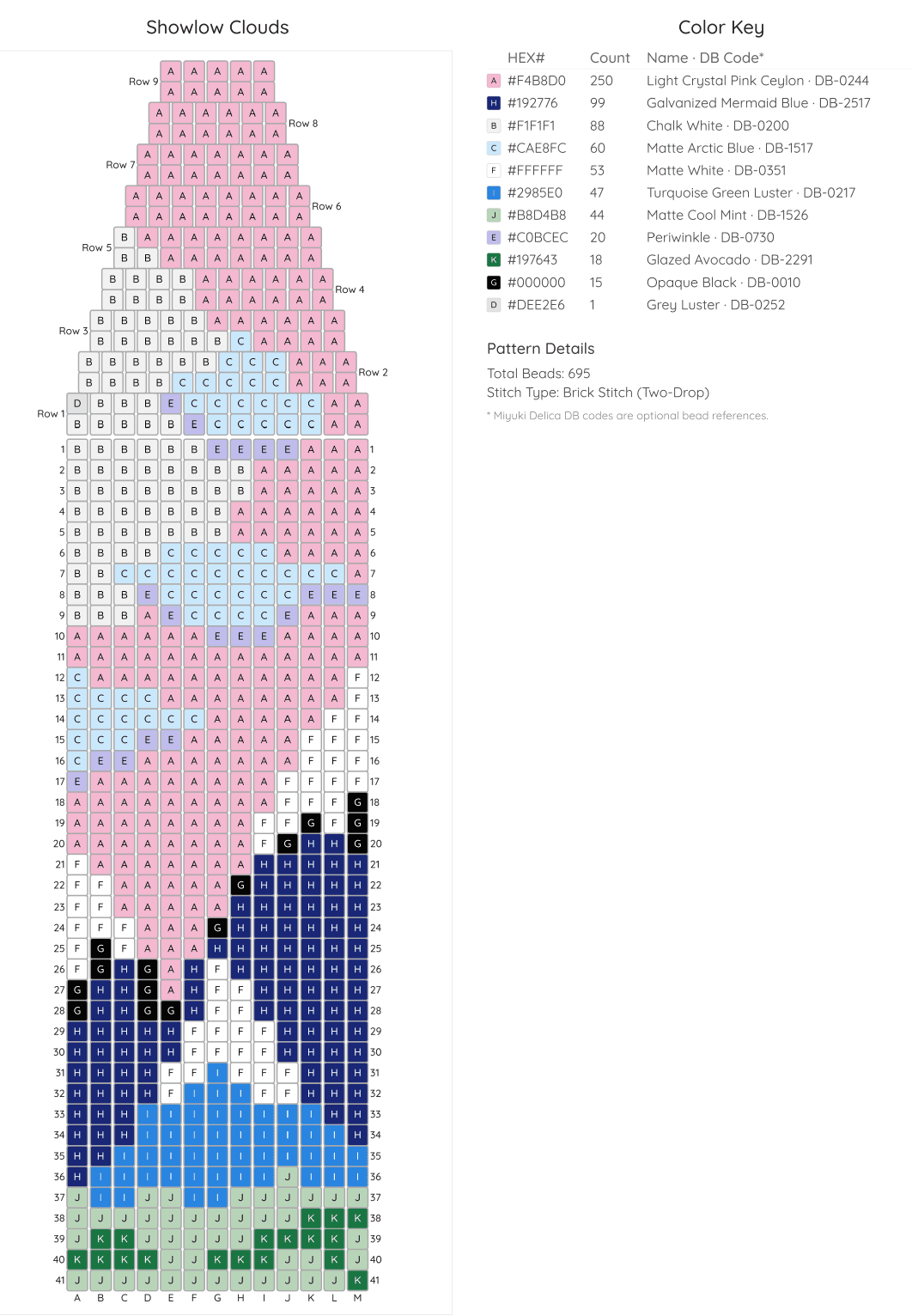
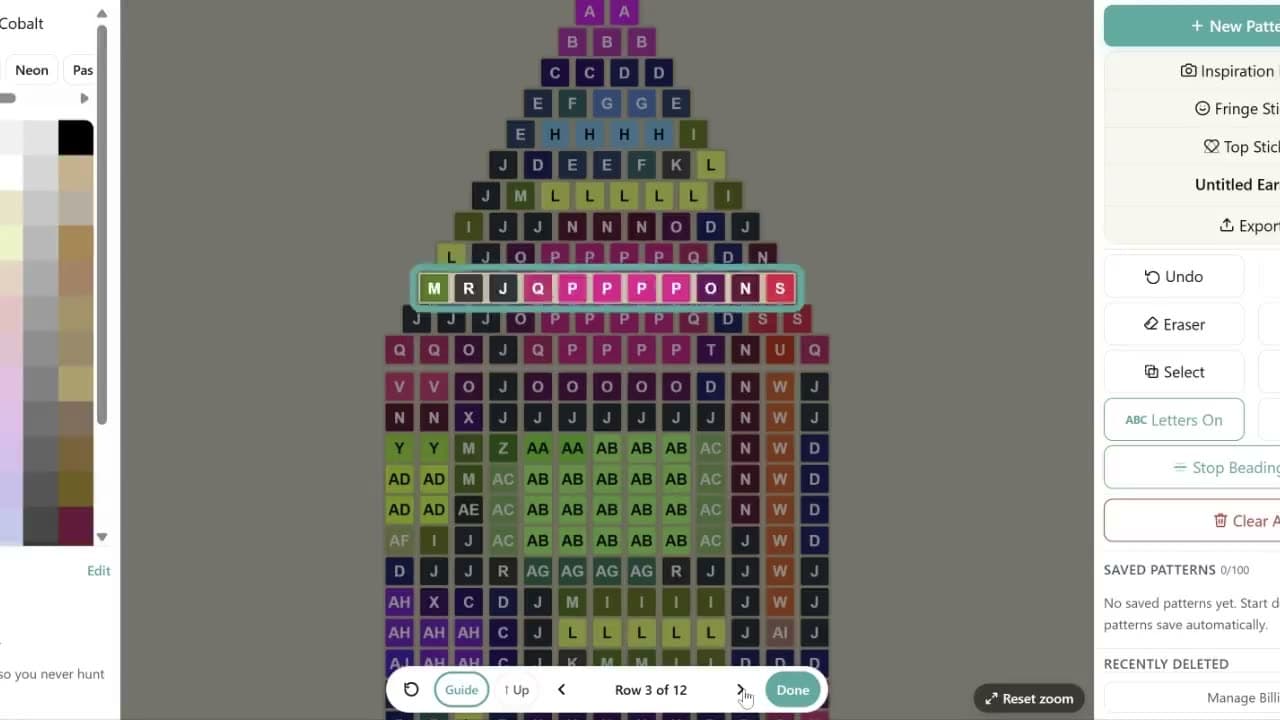
Follow the pattern row by row on screen with the current row or column highlighted. On earrings, turn on Guide and it walks you through every stitch, with the needle and thread drawn on your pattern. Or export a print-ready PDF with a color key, exact bead counts and full word chart.
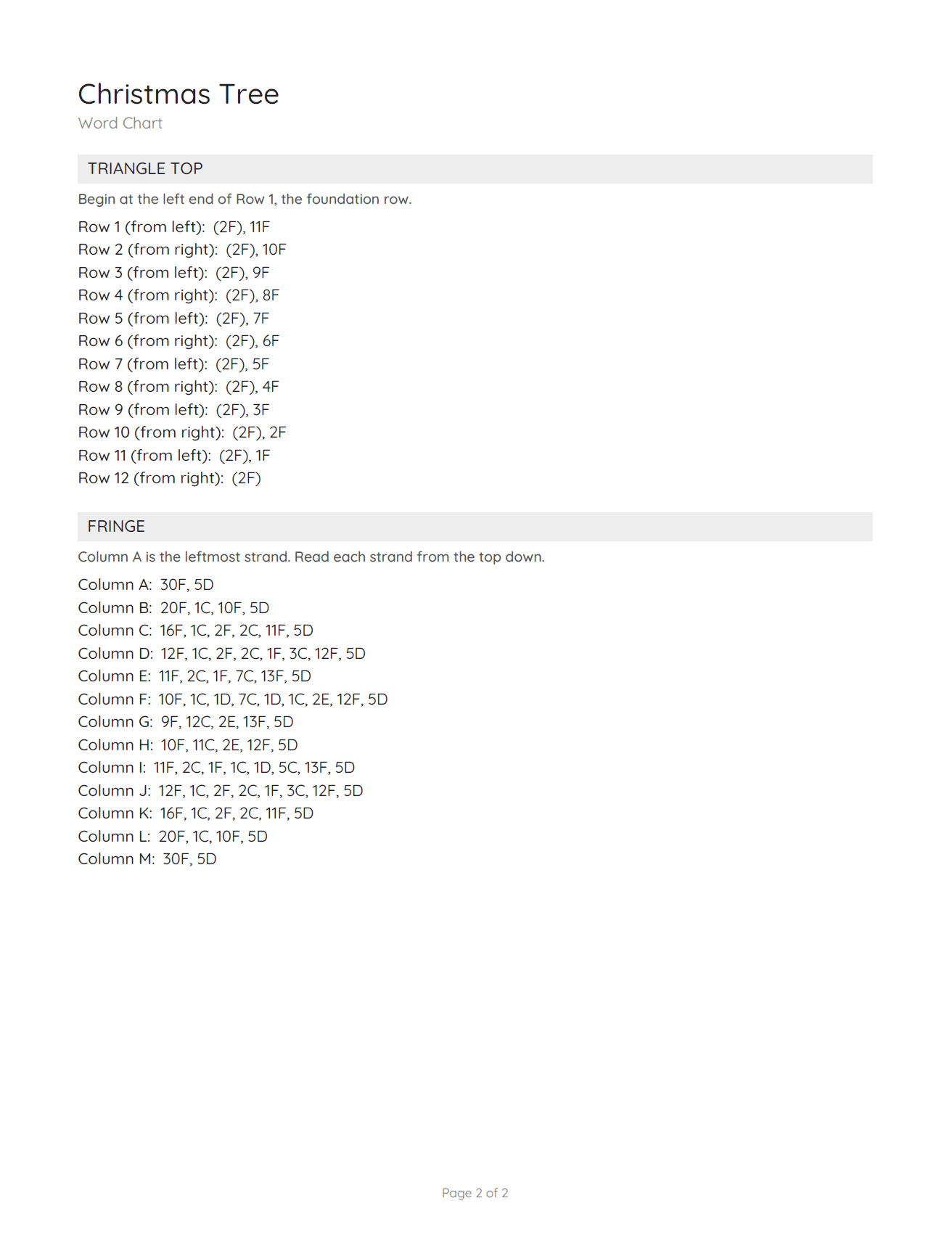
Every pattern comes out as a sheet with numbered rows, a color key and exact bead counts. Pro adds a PDF with a word chart that writes out every row and fringe strand.
Sample Pro PDF: pattern sheet and word chart. Free downloads are a 1× PNG pattern sheet with a watermark.
Pro is $1.99/month or $14.99/year. Here's what changes when you upgrade.
Just want one thing? One-time add-ons from $0.99, including no watermark, color packs, stickers, fringe shapes and top designs. Yours to keep, no subscription. See all add-ons
Brick stitch fringe earrings start with a ladder-stitch foundation row, which creates a strong base. Each row above it is built using the brick stitch technique to form the tapered shape. If you're new to the stitch, YouTube has excellent step-by-step videos that walk through the process. If you prefer ready-to-use designs, my Etsy shop (BeadFringeLab) offers pre-designed patterns that include a full, beginner-friendly guide to stitching brick stitch fringe earrings.
The best tools depend on how you plan to use them — whether as pendants, earrings, hair clips, or bag charms. Start with high-quality seed beads such as Miyuki, Toho, or Cylin by John Bead for durability and consistent sizing. For thread, FireLine is a favorite because it resists fraying and holds up well to frequent handling.
Yes, with Pro. A Pro PDF puts your pattern, color key, and bead counts on page 1, followed by a word chart that writes the pattern out row by row and fringe strand by strand, ready to print. Every plan can also export high-quality PNG files, which include numbered rows or columns, a full color key, and bead counts so you can stitch with confidence.
You can find all my step-by-step tutorials on my YouTube channel @beadweavingaz. Or watch the quick how-to videos →
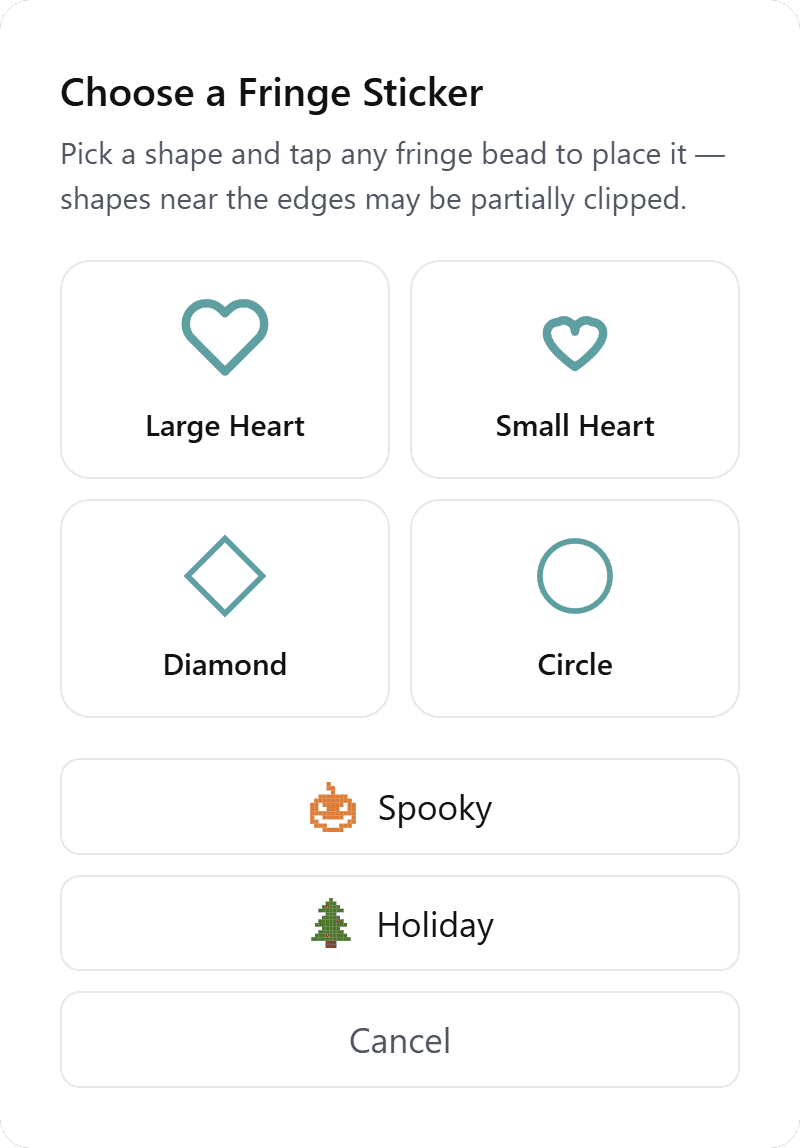
Yes — the Spooky sticker pack stamps five Halloween shapes (bat, skull, pumpkin, spider, and boo) onto any brick stitch fringe design. Stamping is included with Pro or as a one-time Sticker Pack add-on. See the Halloween beading guide →
Yes — the Holiday sticker pack stamps six Christmas shapes (snowman, Santa hat, tree, snowflake, candy cane, and present) onto any brick stitch fringe design, each in its own colors. Stamping is included with Pro or as a one-time Sticker Pack add-on. See the Christmas beading guide →
More questions? Visit the full FAQ, watch the quick how-to videos, or find tutorials at @beadweavingaz on YouTube.